
25 August 2026
Can You Print My Canva Design on a Sign?
Wondering if a sign shop can print your Canva design? The short answer: yes -- export it right and it prints beautifully. Gigantic Signs in Kent Town takes Canva files every week and turns them into finished signs across Adelaide. The trick is exporting at the correct size and quality, which we walk through below.
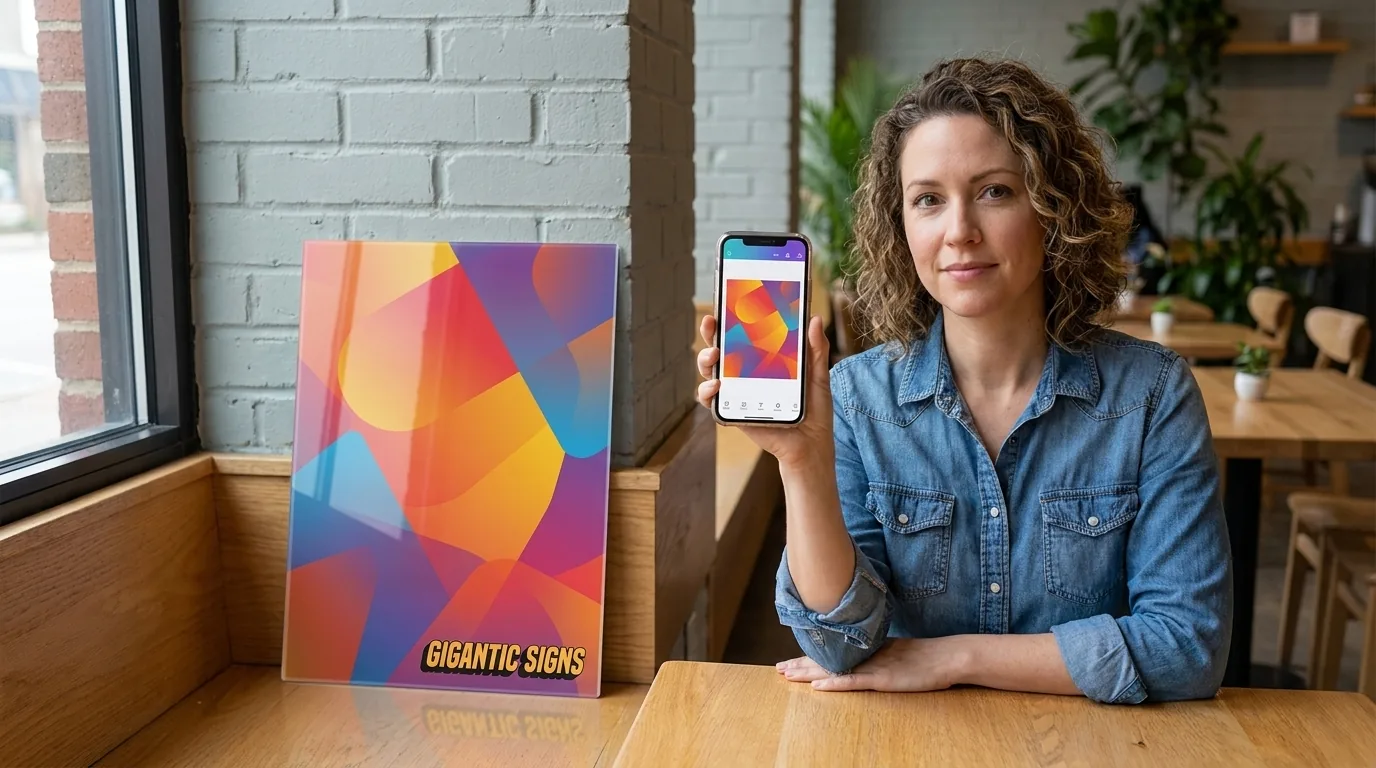
We've been making signs for Adelaide businesses for over 30 years, and more of that artwork arrives as a Canva file every year. People design a logo, a shopfront panel or a sale poster on their phone in Canva, then want to hand it straight to a printer without a design consult. That's completely fine with us. Everything is printed and finished at our Kent Town facility, and a good Canva export is genuinely all we need to get started.
Can a sign shop print straight from Canva?
Yes. Canva is a real design tool, and the file it exports is a real print file. At Gigantic Signs we regularly take artwork built entirely in Canva and print it onto acrylic, corflute, vinyl and banner material. You don't need Photoshop or a graphic designer to order a sign from us. What matters is not which program you used, but whether the finished file is the right size and sharp enough to print at the scale you want. Get the export settings right and a Canva design prints just as cleanly as anything from a professional design suite.
How to export from Canva for large-format printing
Most Canva printing problems come down to the export step, not the design. When you're ready to send us artwork, do these three things:
- Set the design to the real sign size first -- build your Canva design at the actual finished dimensions, or as close to them as Canva allows. A file made at postcard size and blown up to a metre wide will look soft. Sizing the canvas to the real sign keeps everything in proportion.
- Download as PDF Print -- in Canva's download menu, choose PDF Print rather than the web or screen options. It's the format built for physical printing and it keeps your colours and layout intact.
- Choose the highest quality option -- if Canva offers a quality or resolution setting on export, pick the highest one. A high-resolution PNG at the correct size also works well when a PDF isn't practical.
If you're not sure which size to build at, send us the design anyway and tell us how big you want the finished sign. We'll tell you whether the file has enough detail to hold up at that size before anything goes to print.
What makes a file print-ready for a sign?
A print-ready sign file is one that stays sharp at its finished size and has nothing important sitting too close to the edge. Three things decide it:
- Resolution at the real size -- what counts is how much detail the file holds once it's blown up to the finished dimensions. A small graphic that looks crisp on your phone can turn blocky at a metre wide. That's why building at the real size matters more than any single number. A sign read from across a car park needs far less fine detail than a menu read from an arm's length away, so the viewing distance sets how sharp the file really has to be.
- Fonts and elements locked in -- exporting as PDF Print or a flat image bakes your fonts into the file so nothing shifts or substitutes on our end. This is why we ask for an exported file rather than a Canva share link.
- A little breathing room at the edges -- keep text and logos back from the very edge, and let backgrounds run right to it. That way trimming, drilling a fixing hole or wrapping an edge never clips something you meant to keep.
When a quick file check saves your sign
Here's the part that saves a reprint. Before we put anything on a machine, we give every supplied file a quick check -- resolution at the size you want, fonts sitting correctly, and enough margin at the edges. It takes a few minutes and it catches the problems that only show up once a sign is a metre tall on a wall. If something won't hold up, we tell you before you've paid for a print, not after. Most Canva files sail through. The few that don't usually just need to be rebuilt a little larger, and we'll point you at exactly what to change.
A quick Adelaide example
A small Adelaide business emailed us artwork they had designed themselves in Canva -- no design brief, no back-and-forth, just the exported file and the sizes they wanted. We checked it, confirmed it had the detail to hold up, and printed it onto a set of acrylic panels. They had finished signs without ever sitting through a design consult, which was exactly what they were after. That's the whole point: if you can make it in Canva, you can usually turn it into a real sign with us.
Frequently asked questions
Do I need to be a designer to order a sign?
Not at all. If you can put a design together in Canva, you can order a sign from us. Export it as PDF Print at the right size and send it over -- no design software or agency needed.
What if my Canva file isn't quite right?
We check every supplied file before printing and tell you if anything needs fixing. Usually it's a quick rebuild at a larger size. We'll point you at the exact change so your sign prints sharp.
Can you print a Canva design onto acrylic or corflute?
Yes. A properly exported Canva file prints onto acrylic, corflute, banner and vinyl just fine. Tell us the material and finished size you want and we'll handle the rest at our Kent Town workshop.
Ready to turn your Canva design into a sign?
Export your file, and you're most of the way there. Jump on our quote tool to price your sign instantly, browse materials and products in the Gigantic Signs Online Store, or get in touch and email us the file if you'd like us to check it first. Fitting out a new venue? Our guide on what signs you need to open a cafe is a handy place to start. Thirty years on, we still love seeing a phone-made design come off the printer looking GIGANTIC.